
Automated reporting · Excel, PDF and Power BI
Report automation: the same Excel as always, generated and sent without anyone touching it
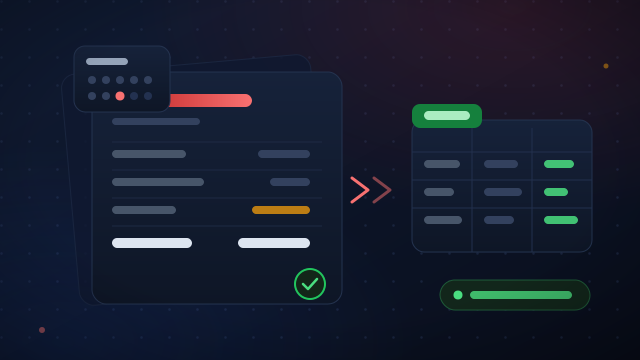
I turn manual reporting (weekly, monthly, per client or per branch) into a process that runs on its own: it pulls the data, builds the report in the exact format its recipients expect, and sends it. Same tools, zero typing.
- Multi-sheet Excel, PDF or paginated reports
- Automatic email delivery to each recipient
- No changes to your ERP or your current templates
30 minutes · no obligation · reply within 24–48h · or take the guided quick assessment
Timeline
1–3 weeks
Price
Fixed
Support
30 days
Does any of this sound familiar?
These are the situations people call me about. If you recognise one, there are hours to be won back.
Mondays disappear into the weekly report
Export, filter by client, paste into the template, check, send. And next week, exactly the same again.
One copy-paste error and the client notices
A shifted cell or a wrong filter and the report goes out with an incorrect figure. You find out once it has already been sent.
It depends on a single person
If the person who does it is off sick or on holiday, the report does not go out, or someone unfamiliar with the process has to do it.
The same number is typed three times
From the ERP to Excel, from Excel to the presentation, from the presentation to the email. Every step costs time and is a chance to make a mistake.
What you get
No slide decks: concrete deliverables your team uses from day one.
Automatic data extraction
Direct connection to the ERP, the database or the source files. No manual exporting.
Your template, respected
The report comes out in the format you already use: same sheets, columns and colours. Recipients notice no change, except that it now arrives on time.
Reports per client or branch
A single process that generates N reports with the same logic: one per client, per salesperson or per site.
Rolling windows and comparisons
Last four weeks, current month vs previous, year to date. Calculated automatically on every run.
Scheduled delivery
Each report reaches the right recipient by email, on the day and at the time you choose, with the file attached.
Logging and error control
A log of every run and an alert if something fails (source down, missing data), so a half-finished report never goes out.
A real case
The pattern repeats in almost every project: the process stays the same, it just stops being done by hand.
From a morning of copy and paste to one click a week
Before
Every week: export the data, filter it client by client, build the Excel of activity, cost per kilometre and kilometres driven, and repeat it all the following week.
After
Reports for every client are generated automatically, with configurable rolling windows of weeks and an Excel export ready to send. One click a week.
More cases by sector on the home page.
How I work
No six-figure projects or long commitments: we start small and measurable.
Step 1
Free diagnostic call
A 30-minute video call: you walk me through the process and I tell you whether it makes sense, how I would approach it and what it would cost.
Step 2
Fixed-price pilot
A first, well-scoped project with a fixed price agreed up front and a result you can measure.
Step 3
Delivery, training and support
Everything documented and your team trained to maintain it. 30 days of support for questions and adjustments.
Calculator
What does that hand-built report cost you today?
Think of the weekly or monthly report that takes the most time. Move the sliders and see the annual cost. No sign-up.
1 = monthly · 4 = weekly · 20 = every working day
Include checking, fixing and sending. It is usually more than it seems.
Cost to the company, not net salary. An admin role is around €18–25; a manager, €40–60.
What it costs you today
- Hours per month
- 0 h
- Hours per year
- 0 h
- Working days per year
- 0
- Estimated annual cost
- €0
Conservative estimate: it leaves out typing errors, delays and review time.
Frequently asked questions
Do we have to change our ERP or our tools?
Which technology do you use?
What if the data source changes?
How much does it cost?
The next step is a conversation
Which report would you like to never build by hand again?
Tell me about it in a free 30-minute diagnostic call. I will tell you whether it can be automated, how, and for how much. No obligation.